On the Ground at Round Top — How to Use the Mobile App During the Show
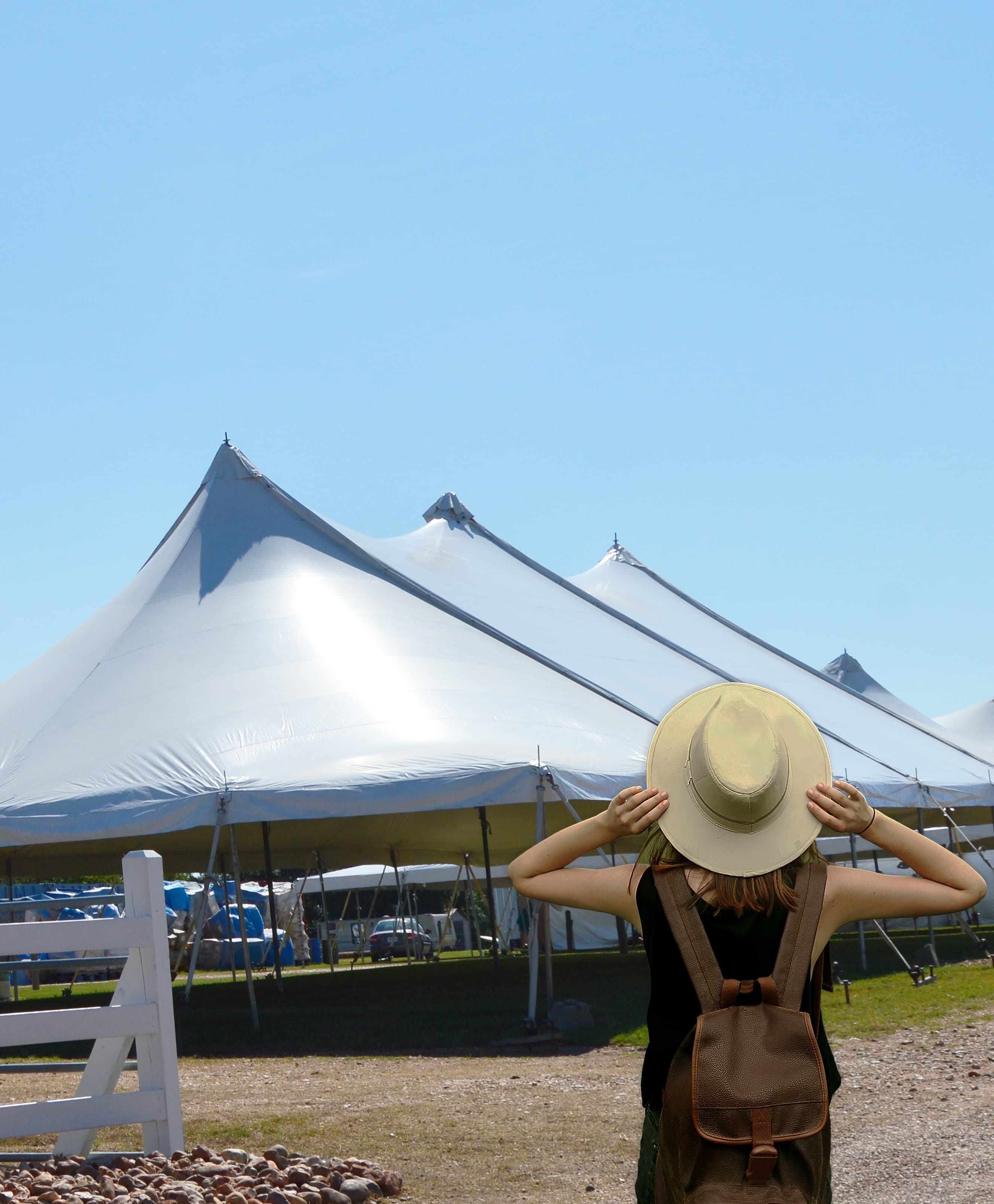
Heading to the show? The free Round Top Field Map works in any phone browser with no app. Here is how to use it.
On the Ground at Round Top — How to Use the Mobile App
You planned your trip on the website. Now you're standing in a field in Round Top, Texas with 100,000 other treasure hunters. The mobile app becomes your best friend.
Here's a minute-by-minute guide to using the Round Top Finder app during the show.
Before You Leave Your Car
Save Your Parking Spot
The moment you park — BEFORE you start walking — open the app and save your parking spot.
- Open the Map tab
- Tap the car icon (Save Parking)
- GPS marks your car's location
You will thank yourself in 4 hours when you're standing in a field of 300 cars trying to remember which row yours is in. The app will navigate you straight back.
Walking Into Your First Venue
Check Near Me
Tap the Near Me tab to see what's around you right now:
- Shopping — vendors and venues within 1/4 to 2 miles
- Food — nearest restaurants and food trucks
- Restrooms — closest indoor and outdoor restrooms with distance
- Parking — nearest lots if you need to move your car
The radius filter (1/4 mi, 1/2 mi, 1 mi, 2 mi) helps you focus on what's walking distance vs. driving distance.
Use the Map
The Map shows your blue GPS dot on the corridor. Toggle layers to see:
- Venue pins — tap for details, hours, and admission
- Restroom pins — blue dots showing indoor and outdoor locations
- Parking pins — with free/paid status and surface type
- Entrance markers — know where to enter each venue
Zoom in on your current venue to see restroom and entrance locations within the property.
While You're Shopping
Search for Specific Items
See something you love but want to compare? Use Search:
- Text search: Type "French armoire" or "vintage chandelier"
- Visual search: Tap the camera icon and photograph a piece. The AI finds similar items from other vendors across the corridor.
- AI Chat: Ask "Where can I find mid-century modern furniture near me?"
Save Favorites
See a vendor you love? Tap the heart icon on their profile. This:
- Saves them to your Favorites for easy reference
- Lets you share your finds with your travel group later
- Tracks flash deals from vendors you follow
Check for Flash Deals
Look for the gold flash deal badges on vendor cards and in the Near Me feed. These are time-limited discounts with countdown timers. Vendors use them to drive traffic — you get 10-30% off just for checking the app.
When You Need Something
Finding a Restroom
Open Near Me and tap Restrooms. The app shows the nearest restrooms sorted by distance, with indoor vs. outdoor labels. No more wandering.
Finding Food
Open Near Me and tap Food. See restaurants and food trucks nearby with distance. Or check the Dining tab for the full guide with menus and hours.
Finding Your Way to the Next Venue
Open the Map, find your next venue, and tap for directions. The app shows entrances so you know which side to approach from.
Coordinating with Your Group
Trip Crew
If you're shopping with friends, use Trip Crew to stay coordinated:
- Everyone sees the shared itinerary
- Add vendors or venues on the fly
- No more "Where are you?" texts
- See what your friends have found and favorited
Share Favorites
Found something amazing? Share your Favorites list with your group so they can check it out too.
End of Day
Find Your Car
Tap the car icon on the Map to navigate back to your saved parking spot. The app shows distance and direction.
Review Your Favorites
Scroll through the vendors you hearted today. Decide what you want to go back for tomorrow.
Check Tomorrow's Schedule
Tap Calendar to see which venues open tomorrow. Some venues close mid-show, others open late.
Look for Evening Events
Check the Calendar Events tab for:
- Late-night shopping events
- Food and drink specials
- Live music
- Vendor preview nights
Pro Tips
- Download the app before you arrive — cell service is spotty in some areas and the app stores can be slow to load on weak signal
- Keep your phone charged — bring a portable battery. You'll use the app all day.
- Use the app alongside Instagram — preview vendor inventory on Instagram, then use Round Top Finder to locate their booth and navigate there
- Check Near Me regularly — flash deals pop up throughout the day
- Save your parking spot EVERY TIME you move your car — update it at each venue
You Might Also Like
Browse all venues on the interactive map or download the Round Top Finder app to plan your trip.
Full Guide
Plan Your Round Top Getaway
Dining, lodging, day trips, and itinerary planning.
Never Miss a Show
Get show dates, insider guides, and featured vendors delivered to your inbox. Monthly, never spammy.
Not ready to subscribe? Grab the free printable cheat sheet — no email required.