Vendor Guide: How to Get the Most Out of Round Top Finder for Your Business
Vendor Guide: How to Get the Most Out of Round Top Finder
You're a vendor at one of the 47 venues along the Round Top corridor. You've got incredible inventory, a beautifully staged booth, and two weeks to sell to approximately 100,000 visitors. How do you make sure they find YOU?
Round Top Finder puts your business in front of every shopper using the platform — on the website, the mobile app, the interactive map, and in AI-powered search results. Here's how to maximize your presence.
Step 1: Claim and Complete Your Profile
Your vendor profile is your digital storefront. A complete profile gets dramatically more views than a bare one.
Essential fields to fill out:
- Business name — make sure it's exactly what's on your signage
- Short description — 1-2 sentences that tell shoppers what you sell. Be specific: "French provincial furniture and antique chandeliers" beats "antiques and stuff"
- Full description — Tell your story. Shoppers connect with vendors who have a narrative. How did you start? What's your specialty? What should people look for at your booth?
- Category and style tags — These power the search filters. Tag yourself accurately so shoppers filtering for "French Country" or "Jewelry" find you
- Booth location — Venue + tent/booth number. Shoppers use this to find you on the map
- Contact info — Phone, email, website
- Instagram handle — Many shoppers preview vendor inventory on Instagram before the show
Step 2: Upload Great Photos
Photos are the #1 factor in whether a shopper clicks on your profile or scrolls past.
Photo tips:
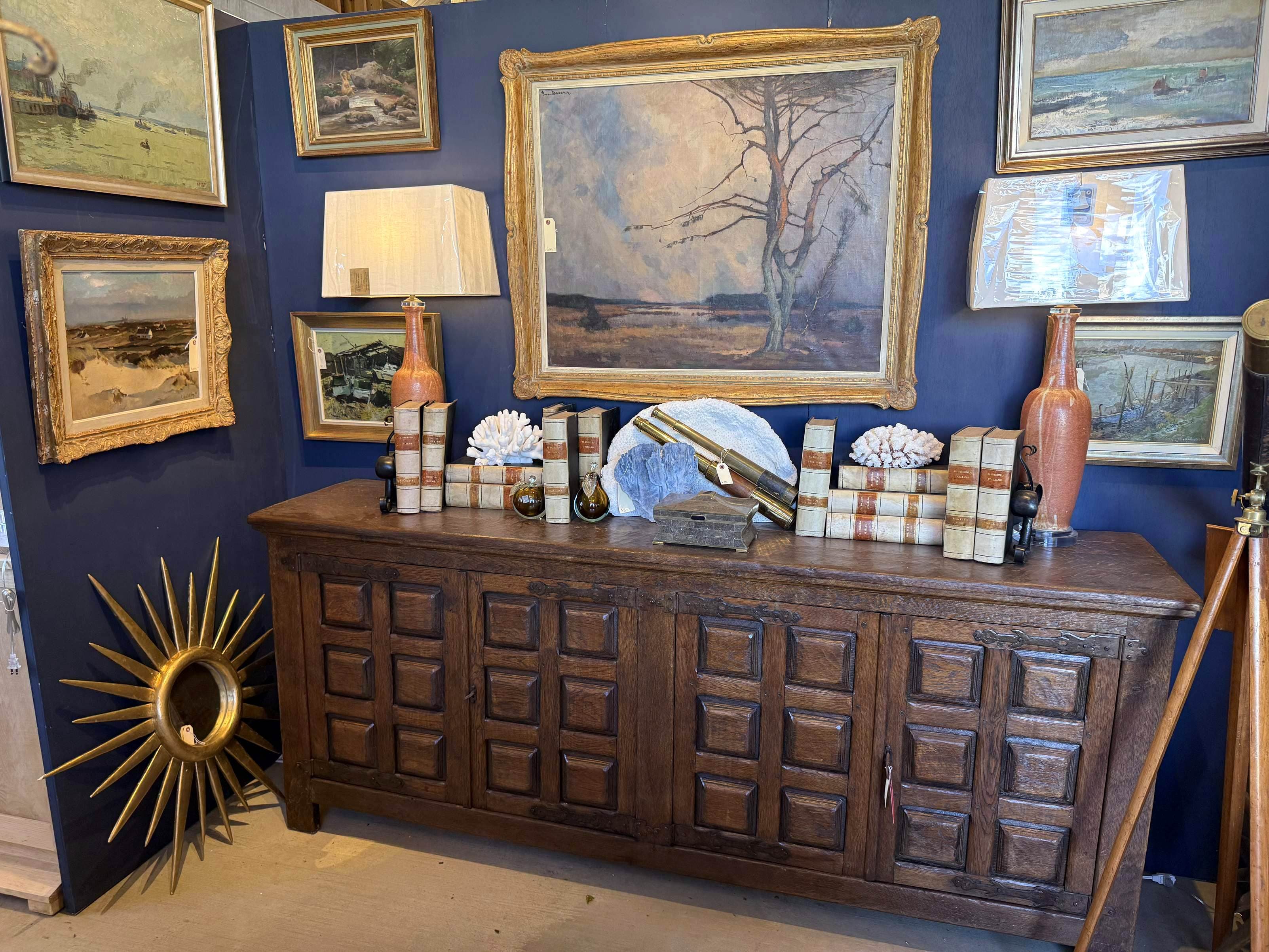
- Upload at least 10-15 photos of your best pieces and your booth setup
- Use good lighting — natural light is best. Avoid harsh flash.
- Show scale — include something for size reference (a person, a coin, a standard object)
- Variety — show your range. If you sell furniture AND accessories, photograph both.
- Update each show — swap out photos for your current inventory before each show opens
Your hero image (the main photo) is the first thing shoppers see. Make it your best, most eye-catching piece.
Step 3: Use the AI to Your Advantage
Round Top Finder uses AI to caption and tag every vendor photo. This powers the text search and visual search features. Here's how to optimize for it:
- Photograph individual pieces (not just wide booth shots) — the AI can identify and describe individual items
- Include different angles — front, side, detail shots help the AI understand what the piece is
- Stage pieces well — clean backgrounds help the AI focus on the item, not the clutter
When a shopper searches for "blue French armoire" or uploads a photo of a similar piece, the AI matches against YOUR photos. Better photos = more matches = more booth traffic.
Step 4: Post Business Updates
Keep your profile fresh during the show:
- New arrivals — photograph pieces as you unpack and post them immediately
- Booth setup photos — show shoppers what to expect when they visit
- Flash deals — create time-limited discounts to drive traffic during slow periods
- "Almost gone" alerts — create urgency for popular pieces
Shoppers who favorite your profile get notified of your updates.
Step 5: Know Your Options (Free or Featured)
Listing on Round Top Finder is free, and there are no monthly subscription tiers.
Free
- Instant self-serve listing from your Instagram
- Searchable profile with contact info and booth details
- Up to 10 of your photos are captioned and indexed for AI search and visual search
- Choose year-round or show-only
Featured (optional, one-time per show)
- $149 for 1 category, or $249 for 2 categories — a one-time purchase for the current show, not a subscription
- Up to 50 photos indexed for AI search
- Priority ranking in AI chat, search, and visual search results
- Priority placement across the directory, map, and category pages
- Bigger presence in New Arrivals, plus a Featured badge
- Bought from your listing's edit page — no separate signup
Create your free listing or see For Vendors for details.
Step 6: Drive Traffic from Your Existing Channels
Round Top Finder works best when you point your existing audience to it:
- Add your Round Top Finder link to your Instagram bio during show week
- Share your vendor profile URL in social media posts
- Put a QR code at your booth that links to your Round Top Finder profile — shoppers can save you to favorites, see your other photos, and find you again if they walk away
- Tell customers about the app — "Find us on Round Top Finder" is the new "Follow us on Instagram"
Step 7: Track Your Results
Your vendor dashboard shows:
- Profile views
- Search appearances
- Favorites count
- Click-throughs to your website/Instagram
- Flash deal engagement
Use this data to understand what's working and optimize your photos, descriptions, and updates.
The Bottom Line
The vendors who get the most out of Round Top Finder are the ones who treat their profile like a living, breathing storefront — not a set-it-and-forget-it directory listing. Upload great photos, write a compelling description, post updates during the show, and engage with the platform. The shoppers are already there looking for you.
Ready to optimize your profile? Log into your Vendor Dashboard or register your business if you're not listed yet.
You Might Also Like
Browse all venues on the interactive map or download the Round Top Finder app to plan your trip.
Full Guide
Round Top Life
Year-round community, real estate, and local life in Round Top.
Never Miss a Show
Get show dates, insider guides, and featured vendors delivered to your inbox. Monthly, never spammy.
Not ready to subscribe? Grab the free printable cheat sheet — no email required.